AI Video Trends in 2026 and How Content Creators Can Leverage Them
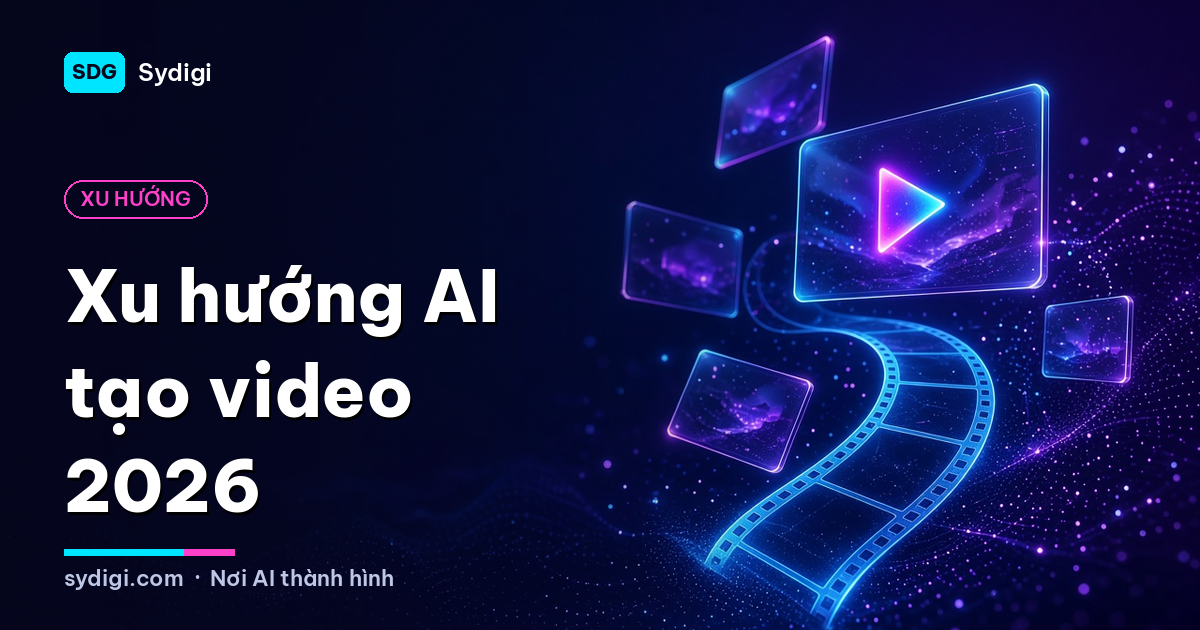
Just a few years ago, AI-generated videos were jittery, with distorted characters and only a few seconds long. Today, AI video generation has become a real working tool for many creators, online stores, and agencies. This article summarizes the prominent AI video trends of 2026 and, more importantly: how you can apply them to your daily content creation work.
1. Image-to-video becomes the default workflow
Instead of writing a long prompt and "hoping for the best," many content creators choose to create a beautiful static image first, then turn that image into a video. The reason is simple: static images make it easy to control composition, colors, characters, and products; the video model then only needs to handle the motion.
How to apply:
- Use ComfyUI or familiar image generation tools to create high-quality keyframes.
- Describe motion briefly and specifically: "camera slowly zooms in, hair blowing gently in the wind."
- Create multiple short variations and pick the best segment instead of trying to generate one perfect long clip.
2. Character consistency – the key to long-term content
One of the biggest challenges in AI video is keeping characters looking the same across multiple scenes. The current trend is combining Character LoRAs or reference images to create input frames, then using video models to generate motion.
This opens up huge opportunities for virtual characters/influencers: a character with a unique appearance and style appearing regularly on TikTok, Reels, and YouTube Shorts without traditional filming.
Suggestion: Build an "identity kit" for your character including standard portraits, signature outfits, color palettes, and personality descriptions. This is the foundation for all subsequent consistent content.
3. Beat-sync short videos
Short videos remain the dominant social media format, and music is their soul. The new trend is using AI to analyze rhythm, find the song's hook, and automatically edit scenes to match the beat. What used to take hours on editing software can now be reduced to minutes.
Combined with AI stem separation (vocals, drums, bass…) and mastering tools, music producers and short-video creators can finalize products from sound to visuals themselves. This is also the direction that SDG's AI Remaster Studio software focuses on solving.
4. Simultaneous audio and visual generation
New generation video models are increasingly focusing on audio: environmental sounds, background music, and even lip-synced voices. The line between "video generation" and "audio post-production" is gradually blurring.
Note for creators: Even if AI generates the sound, always check music copyrights when posting to platforms, and consider using music you created yourself or have a clear license for.
5. More detailed motion control
Users no longer just "describe and wait." Modern tools allow control over:
- Camera movement: pan, tilt, zoom, dolly, orbiting the subject.
- Start and end frames: specifying the opening and closing images for the AI to create transitions.
- Motion paths: drawing paths for objects or characters.
- Motion reference: using an existing video as a template for movements.
This brings AI video closer to a real filmmaking process, where the director controls every shot.
6. Automation via APIs and Queues
For businesses and developers, the clearest trend is integrating video generation into automated systems: websites that allow customers to upload product photos and receive promotional videos; apps for creating cards or greeting clips; or content channels running in bulk on a schedule.
Since video generation is GPU-intensive and takes much longer than images, the common architecture is a queue with multiple workers: the app sends a request, receives a job ID, then checks the status or receives a notification when the video is complete. If you are building such a product, you can use the video generation API at Lumina (see more about SDG's AI Video Generation API).
7. Open-source and local models getting stronger
Alongside commercial services, open-source video models are developing very fast and can run in ComfyUI on personal computers with powerful enough GPUs. The advantages are data control, deep customization, and integration with LoRA and ControlNet. The disadvantage is high hardware requirements and configuration time.
Advice: Use open models to experiment and build your own workflows; use services/APIs when you need stable, high-volume production.
Practical applications for each group
Creators and KOLs
- Create b-roll to illustrate talking-head videos.
- Build virtual characters as "narrators" for the channel.
- Turn beautiful AI photos into short videos with subtle motion to increase engagement.
Online Shops
- Turn product photos into 360° showcase videos or material close-ups.
- Create multiple ad versions for low-cost A/B testing.
Musicians
- Create visualizers, lyric videos, and beat-sync videos for songs.
- Make short teasers from hooks for pre-release promotion.
Things to consider
- Transparency: Note AI-generated content when platforms require it or when there's a potential for misunderstanding.
- Copyright and personal image: Do not use real people's faces or voices without consent.
- Quality over quantity: AI helps produce fast, but ideas and scripts still determine whether content retains viewers.
- Cost: Video consumes many times more resources than images; optimize by carefully creating images/keyframes before generating video.
Conclusion
In 2026, AI video generation is no longer an experiment but has become part of the creative process. The general trend is better control, more consistency, and more automation. Start with a simple image-to-video workflow, build a unique character or style, then expand to automation as demand grows. Follow the AI News and AI Knowledge sections on SDG for more practical guides.

Training image-generation models, building API infrastructure and turning AI ideas into working software.
About me →