
A Chrome extension powered by a local yt-dlp + ffmpeg backend: fast, private, and supports bulk downloads.
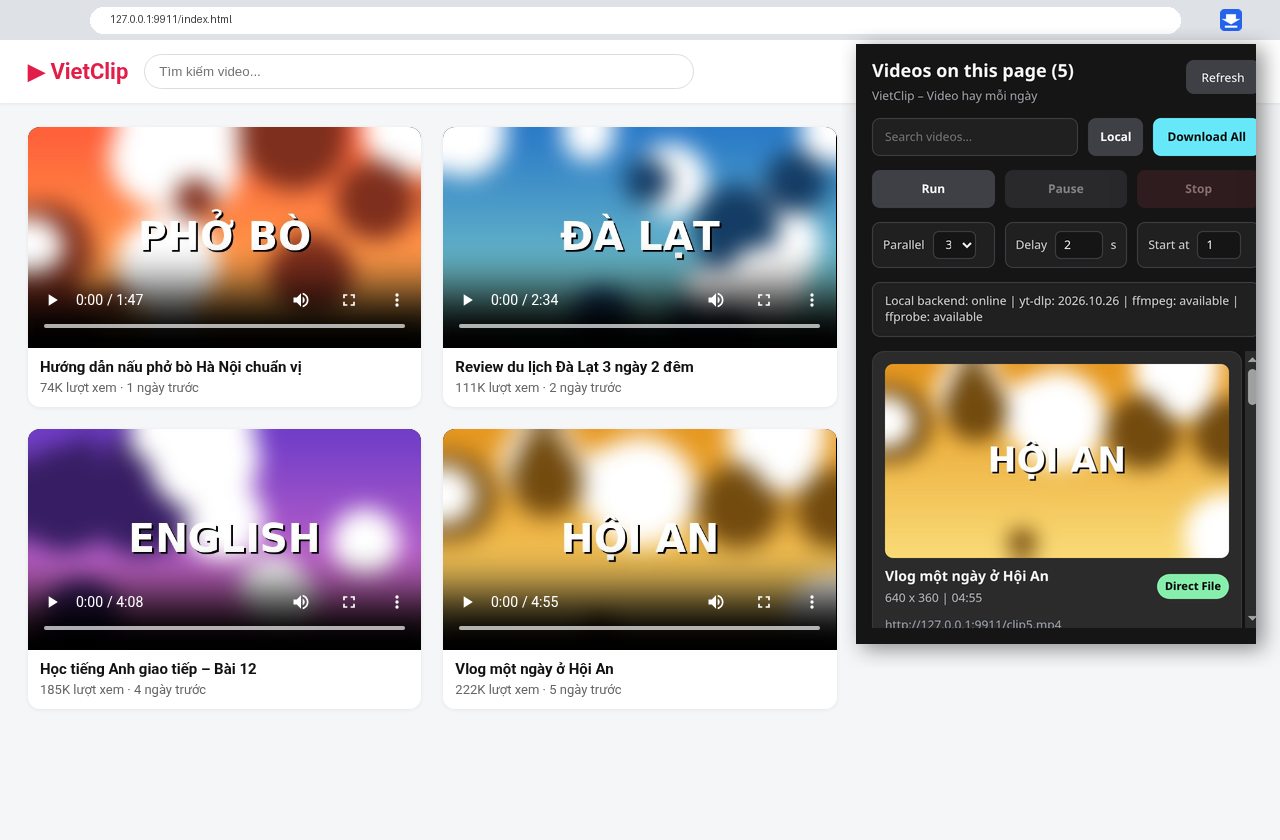
If you see it, you can download it. The Chrome extension automatically detects every video on the page you're viewing, displays them neatly with thumbnails, and downloads them to your computer with a single click—even YouTube, TikTok, and Facebook Reels, thanks to the yt-dlp "engine" running right on your PC.
Why You'll Love Video Downloader
- ⚡ Fast & Automatic – Open the popup to instantly see a list of videos on the page. No link copying or ad-filled middleman websites required.
- 🔒 Absolute Privacy – Everything runs locally on your machine (local backend
127.0.0.1). No data sent, no accounts needed, no tracking. - 🎬 Highest Quality – For YouTube/TikTok/Facebook, it automatically selects the best video + audio streams and merges them into an MP4.
- 📦 Bulk Download – Download all videos at once, run 3–6 parallel threads, includes anti-blocking delays, and features Pause / Resume / Stop.
- 🪟 1-Click Windows Setup – Run
CAI_DAT.batand everything is pre-configured. The backend can even auto-start with Windows.
Detailed Features
| Category | Feature |
|---|---|
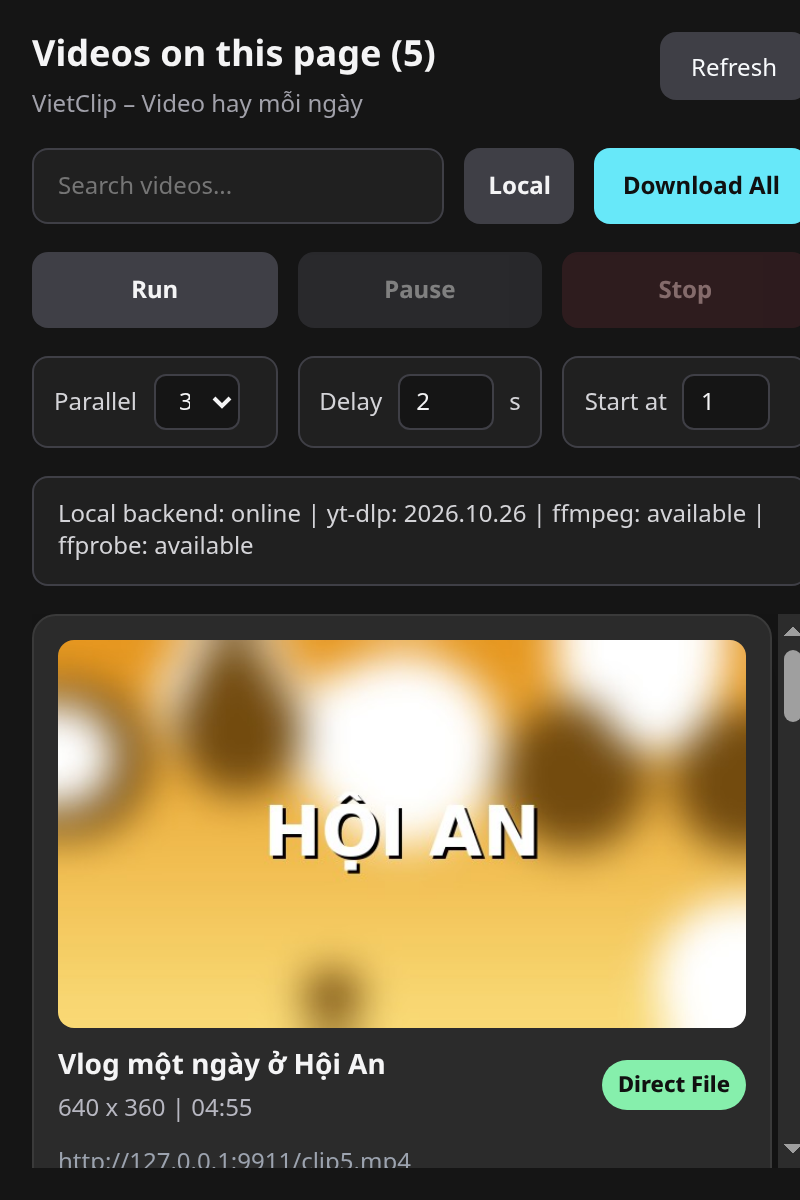
| Video Detection | Scans <video>, <source> tags, and blob URLs; captures media URLs via network (MP4, WebM, MOV, MKV, HLS .m3u8, DASH .mpd); auto-rescans when the page loads more videos |
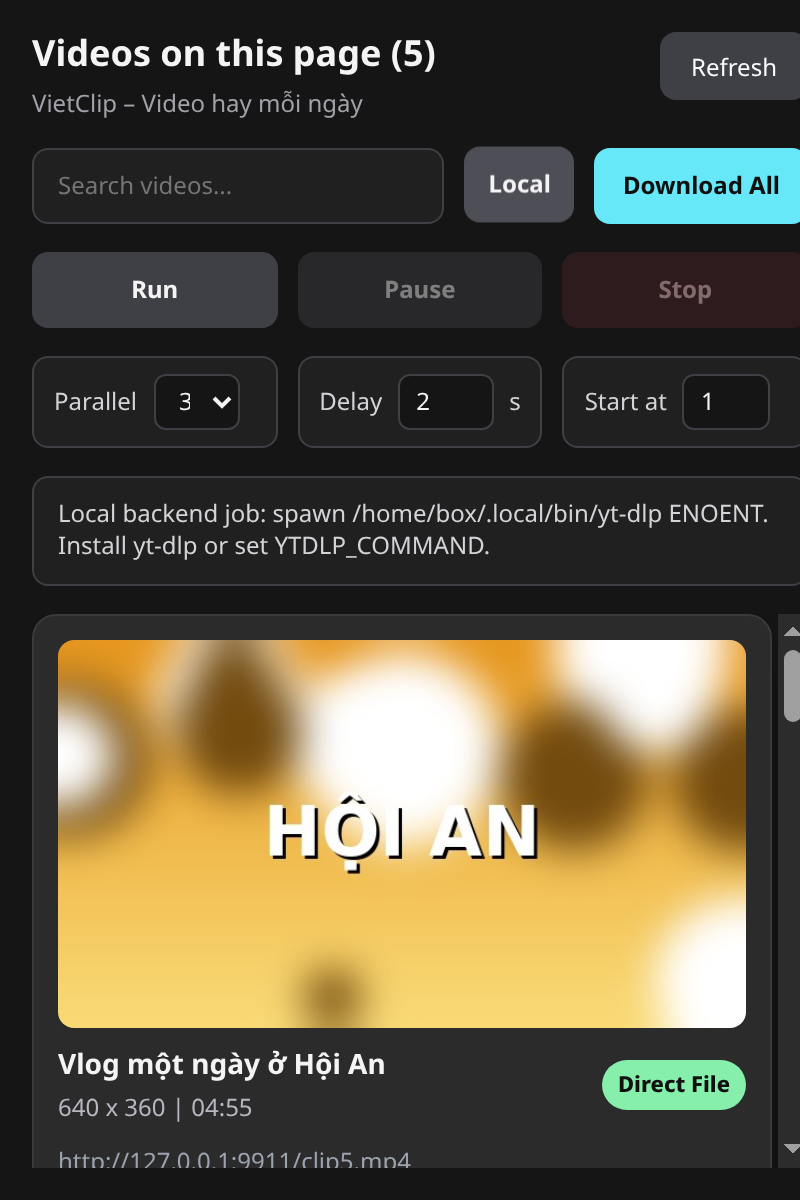
| Display | Thumbnails, titles, resolution, duration, file size, source type (Direct File / Blob / HLS / DASH / Streaming / Page) |
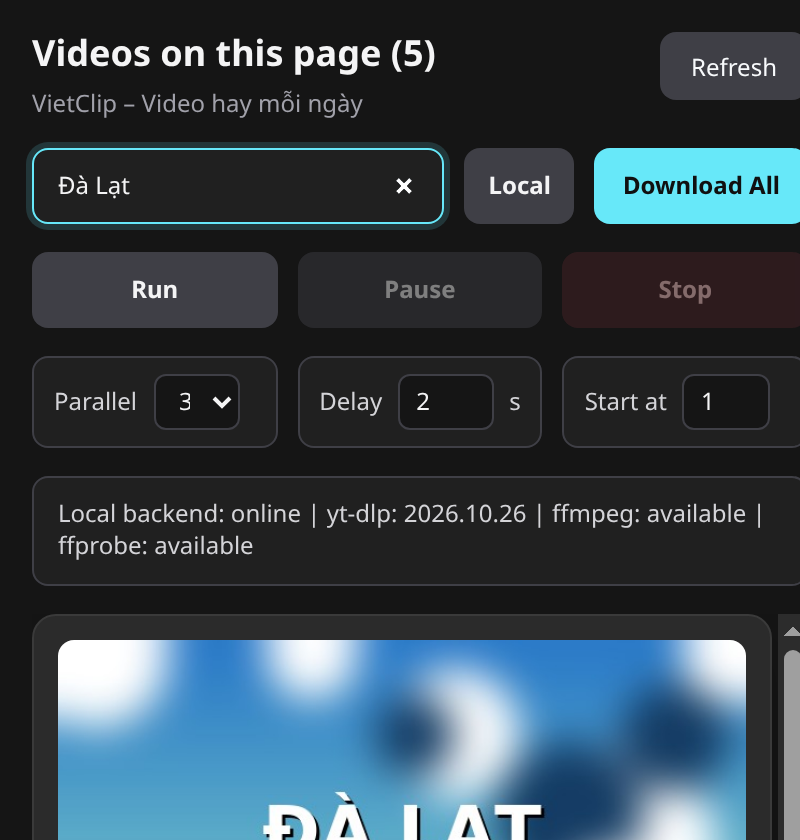
| Search | Quickly filter videos by name or URL |
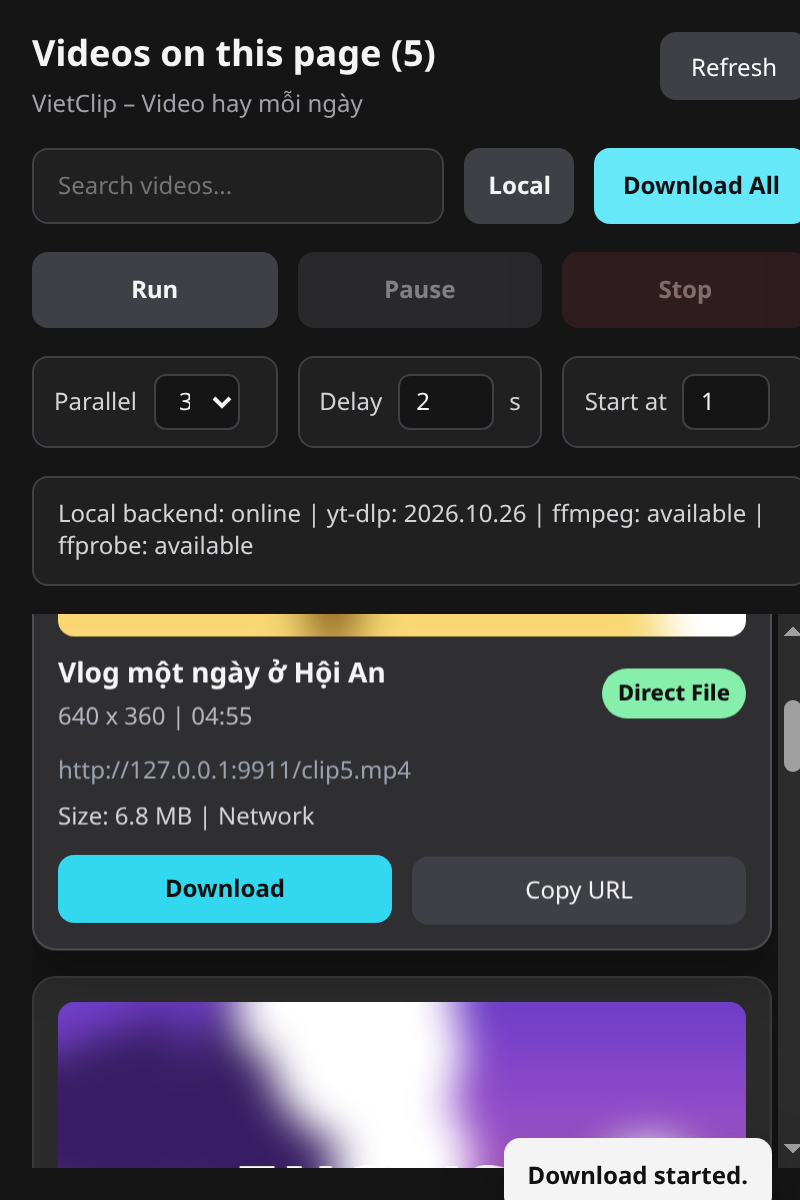
| Direct Download | Download individual videos or "Download All" using Chrome's download manager; verifies URLs are valid videos before downloading |
| Backend Download (Local button) | Sends the current page (YouTube, TikTok, Facebook Reel…) to the local yt-dlp + ffmpeg, saving to Downloads\VideoDownloader |
| Bulk Facebook Reels | Auto-scrolls Reels pages of a profile/page, collects videos, and downloads in batches; remembers progress and allows selecting a starting point |
| Job Control | Run / Pause / Stop, parallel thread count, delay between videos |
| Utilities | Copy video URLs, backend status notifications (yt-dlp/ffmpeg), post-download file verification (ffprobe) |
| Security | Local API only accepts commands from the extension, blocks unknown websites & DNS rebinding, Windows-safe filenames |
Screenshots
| Video List | Search | Download | Backend Download |
|---|---|---|---|
 |
 |
 |
 |
System Requirements
- Windows 10/11, Google Chrome / Edge / Cốc Cốc (Chromium ≥ 116)
- Node.js 18+ (installer can auto-install via winget), ffmpeg (recommended)
 Featured